In this passion project, I sought out a way to create an application entirely in Python that would act as an audio visualizer. I was going to create something that was responsive to the audio currently playing, and do that entirely in the terminal without a GUI.
I was inspired by the audio visualizers you would see on video game consoles back in the early 2000’s when playing a CD. My visualizer references those old audio visualizers of the early 00’s, but is being reformatted to play the visualization locally on your terminal.
The first thing I did was research. I needed to find out if this idea already existed, or if this was something I was to create on my own. I found similar projects from others, but nothing quite how I envisioned in my head. I took some fundamental principles from a couple different open source projects and molded them into my own; playing with data, device configuration, and TUI fundamentals. With the assistance from a friend, we found a good combination of python libraries that helped our cause, and started coding away.
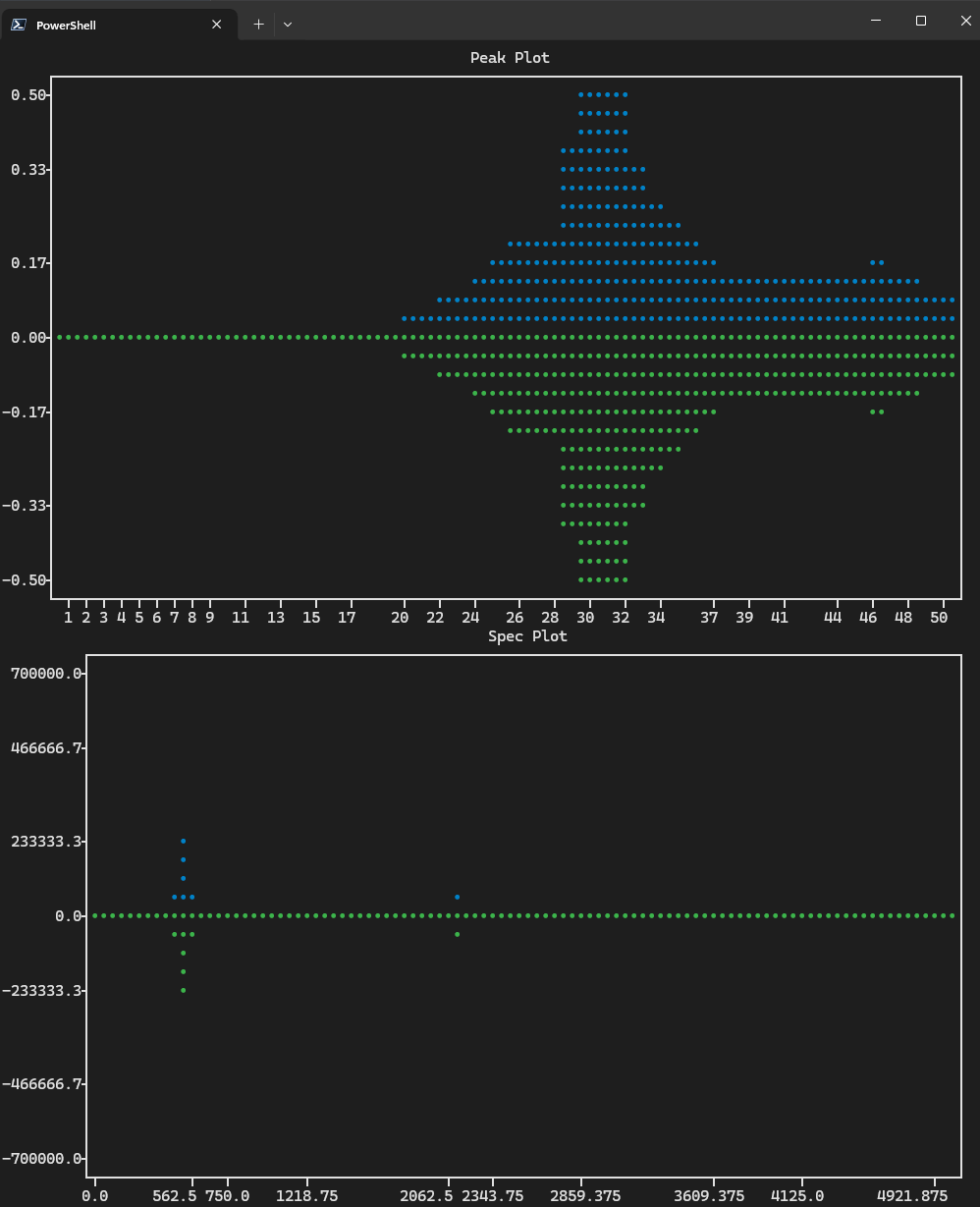
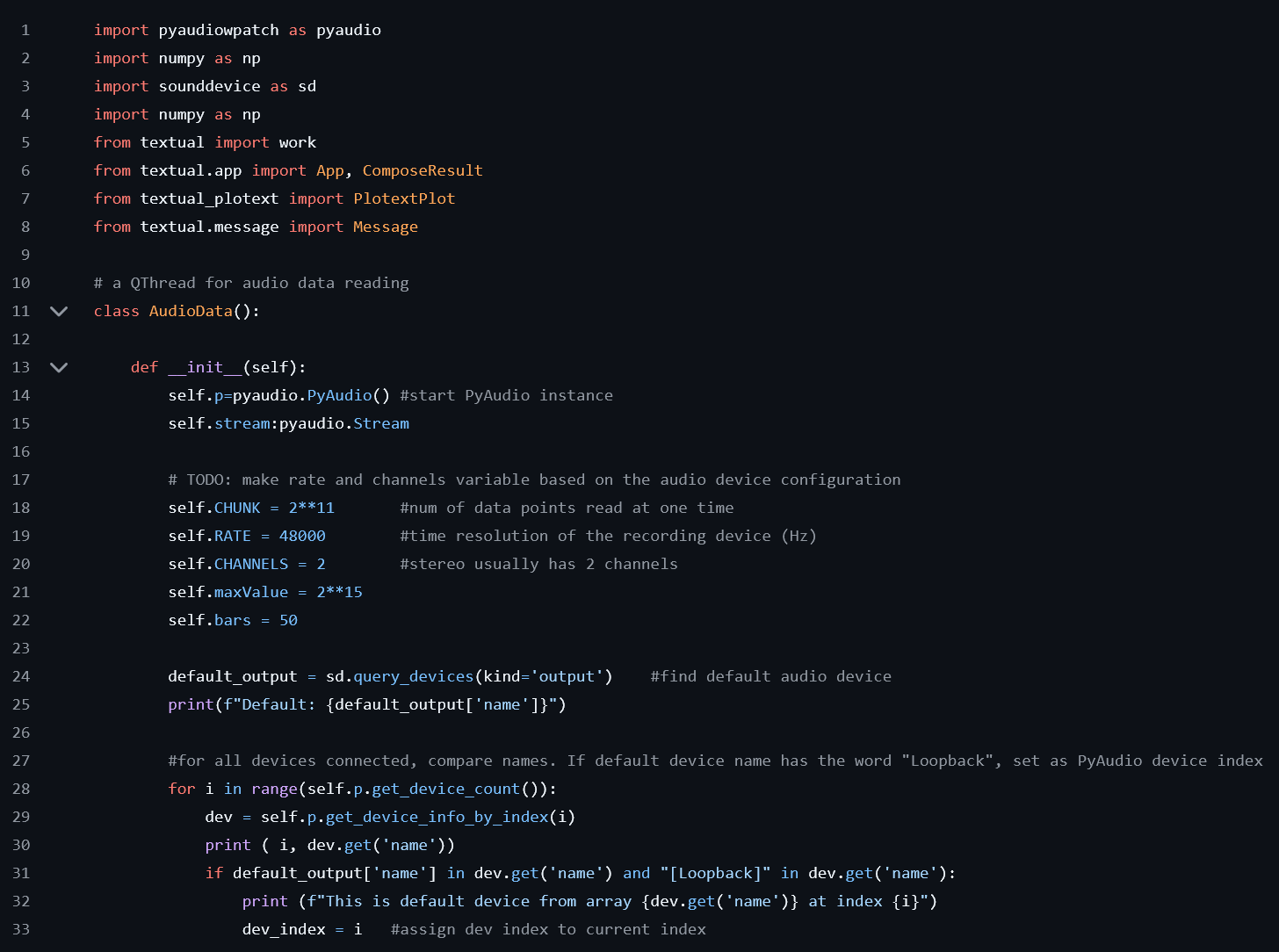
The end result is something that is exactly what I set out to create, an audio visualizer that runs with Python that displays your audio in a terminal. It uses the frequency of the sound itself to raise or lower dynamic bars in the terminal, creating a visualizer that updates at 60 frames per second. This demonstrates my ability to not only code in Python, but to take an idea and make it a reality. Problem solving and ingenuity were needed for this project and I demonstrated I can deliver.